Baidu Maps for Foreigners in China: A Practical Guide
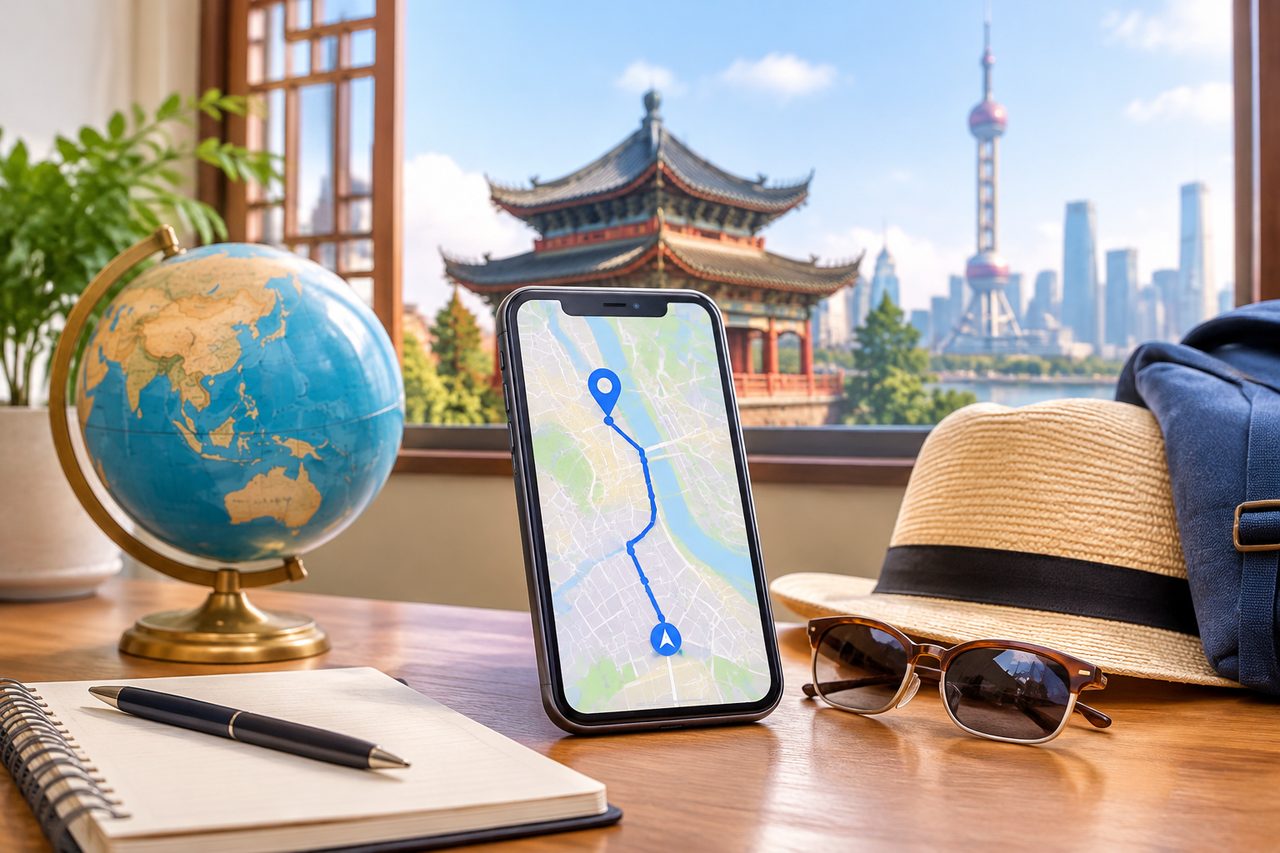
Baidu Maps is China’s dominant digital map, and for a foreign patient visiting a Chinese hospital it is often the single most useful app on the phone. The reason is simple: Google Maps is unreliable in mainland China, both because of access restrictions and because its local map data is incomplete. Baidu Maps is built on authoritative local data, covers public transit down to bus-stop level, and works offline once you download a city package. This guide explains what Baidu Maps for foreigners in China actually involves — installation, language settings, the limits of the English interface, and how to use it calmly on the day you need to find a hospital entrance, a laboratory, or a pharmacy.
How This Actually Works, Step by Step
Setting up navigation in China is a sequence, not a single download. Here is the realistic order, based on what actually happens when a visitor lands.
Step 1 — Install before you fly. Download Baidu Maps from the Apple App Store or an Android store that serves your region. Do this at home, on a connection you trust. App stores can behave unpredictably once you are inside China, and installing ahead of time removes one variable on arrival day.
Step 2 — Decide whether you need a Chinese phone number. Baidu Maps works without an account for basic map viewing and routing. Some features — saved locations, certain sharing functions, account-linked services — are smoother with a registered account, and registration typically expects a Chinese mobile number. For a short medical trip, most visitors can navigate perfectly well without registering.
Step 3 — Switch the interface to English if available. Open the app settings and look for a language option. Availability of a full English interface has varied across app versions, so treat this as something to check rather than something guaranteed. If the toggle exists, use it; if not, the workaround described below applies.
Step 4 — Download the offline map for your city. This is the step people skip and later regret. An offline package means the map still renders when your data connection is weak — inside a large hospital complex, for example, or on a metro platform.
Step 5 — Save your destinations in advance. Ask your hospital’s international department, or your coordinator, to send you the hospital’s address in Chinese characters. Paste that text into Baidu Maps and save the result. Do the same for your hotel, the nearest metro station, and any clinic you expect to visit. Navigation then becomes a matter of tapping a saved pin rather than typing an address you cannot read.
Step 6 — Navigate on the day. Baidu Maps gives walking, driving and public-transit routes. Transit directions are where it outperforms most Western apps in China, because the bus and subway data is local and current.
Can You Use Baidu Maps in English, and What Are the Limits?
The question “how to use Baidu Maps in English” has an honest answer that depends on your tolerance for partial translation. Baidu has added English-language support over time, and many users find the core navigation usable in English. But the English layer is not uniform across every screen, every city and every app version. Expect a mixed experience: menus in English, some search results and place names in Chinese.
Three practical consequences follow.
- Addresses matter more than names. A hospital’s Chinese name may not resolve in an English search. Its street address, pasted in Chinese characters, almost always will. Collect addresses, not just names.
- Pin the entrance, not the campus. Large Chinese hospitals — and the top institutions are genuinely large, with outpatient volumes that can exceed ten thousand visits a day — often have multiple gates and buildings. Ask which entrance the international department uses and save that specific point.
- Keep a screenshot. Save a screenshot of the final map view with the pin visible. If the app misbehaves, you still have a picture to show a taxi driver or a passerby.
If you are working with a bilingual companion, this entire problem shrinks: your companion reads the Chinese address, confirms the correct gate, and handles the last hundred meters, which is usually where navigation apps fail in a hospital complex. Details of that service are on our consultation and companion service page.
Does Baidu Maps Work Without Chinese?
Partly, and the honest framing is this: the app does not require you to read Chinese to display a route, but it does assume a Chinese-language environment. Search works best with Chinese input. Place names default to Chinese. Some prompts and buttons may remain untranslated depending on your app version.
So the workable answer to “does Baidu Maps work without Chinese” is yes, with preparation. The preparation is external: someone — a hospital coordinator, a hotel concierge, a colleague, or a bilingual medical companion — supplies the Chinese addresses in text form before you need them. With those saved as pins, a non-Chinese-speaking visitor can navigate a Chinese city quite comfortably. Without them, you will be typing English into a Chinese search engine and hoping.
A Realistic Timeline
Navigation setup is a small task that fits inside the larger medical-travel timeline. The table below shows where it belongs. Durations are ranges, because app behavior, visa processing and hospital scheduling all vary.
| When | What happens | Why it matters for maps |
|---|---|---|
| 4–8 weeks before travel | Hospital selection and remote evaluation; written second opinion or video consultation arranged | You learn which hospital and department you are going to, so you know which city map to download |
| 3–6 weeks before travel | Visa application prepared; for medical treatment the applicable short-stay category is S2, subject to current embassy requirements and supporting hospital documents | Visa timing affects your arrival date, which affects everything downstream |
| 2–3 weeks before travel | Install Baidu Maps, download the offline city package, request Chinese addresses from the hospital or coordinator | Doing this at home means you are not troubleshooting an app in an arrivals hall |
| 2–5 days before travel | Save pins for hotel, hospital entrance, pharmacy, metro station; screenshot each | Saved pins remove the need to type Chinese on the day |
| Arrival day | Airport transfer or taxi; use the saved hotel pin | Drivers respond to Chinese text or a map pin far better than to a spoken English address |
| First hospital day | Navigate to the specific entrance; registration, payment, and department queues follow | Hospital complexes are where map apps are weakest and local guidance is worth most |
The waiting steps people forget are document translation and appointment lead time. Neither is a map problem, but both determine whether your map preparation happens with a comfortable margin or in a panic.
What Can Go Wrong — and What Happens Then
Failure modes here are mundane rather than dramatic, but each has a real recourse.
The app store will not load. This happens. The recourse is to install before departure, and to keep a backup navigation option — a second map app already installed, plus screenshots of key routes. Do not rely on a single app you have never opened.
Your search returns nothing. You typed an English hospital name into a Chinese database. The recourse is the Chinese-character address. If you do not have it, ask the hospital’s international office or your hotel front desk to write it for you. Front desks do this constantly.
You reach the right campus but the wrong building. Common at large institutions. The recourse is to ask for the international department or VIP channel by name at the gate, and to have your appointment confirmation — with the department name — on your phone in Chinese.
Data is slow or unavailable. The recourse is the offline map package you downloaded in advance. This is precisely why step four exists.
You cannot communicate with a driver. The recourse is the map pin plus the Chinese address on screen. Hand the phone over rather than attempting pronunciation.
How to Judge Whether You Need Help With Navigation at All
Some visitors will manage fine alone. Others should plan for support from the start. The distinction is not about intelligence or tech comfort; it is about the density of Chinese-language interaction your trip requires.
You can probably self-navigate if you are visiting a single hospital in a central district, staying at a hotel whose staff speak English, and traveling with someone who reads Chinese. You should plan for help if any of the following apply: you are arriving alone; your hospital has multiple campuses; you will need to move between a hospital, a separate imaging center and a pharmacy; you have mobility limitations; or you are traveling for a procedure and would rather spend your attention on the medical process than on wayfinding.
For context on how hospital selection shapes the logistics, our directory of top-ranked hospitals by city groups the major institutions geographically, which is the practical unit for planning movement. A hospital in a central district behaves very differently, logistically, from one on a suburban campus.
One more consideration that visitors underestimate: scale. China’s leading hospitals are large, busy institutions, and the gap between “the hospital” and “the right desk inside the hospital” can be several buildings and two languages wide. A map gets you to the gate. It does not get you through registration, payment and the correct queue. That gap is what bilingual accompaniment is for.
Practical Considerations: Phones, Payments, Language and Follow-Up
Connectivity. Baidu Maps needs a data connection for live routing and traffic, and an offline package for everything else. A local data plan or roaming package is worth arranging before departure. Public hospital and hotel Wi-Fi exists but is not something to depend on at a critical moment.
Payment inside the app ecosystem. Many Chinese apps assume local mobile payment. Baidu Maps itself is free, and basic navigation does not require payment, but do not expect to link a foreign card to every service you encounter. Carry a payment method that works in China and confirm it with your bank before travel.
Language. The mixed-language reality described above is the single most important practical fact in this article. Plan around it rather than fighting it.
Visa category and timing. Medical travel to China uses the S2 short-stay category for treatment and private affairs, with family accompanying under the same category; stays beyond 180 days fall under S1. Requirements and supporting documents are set by the relevant embassy or consulate and change, so verify current rules rather than relying on any guide, including this one. Note that the M visa is a commercial and trade category and is not the medical route.
Records and follow-up. Bring your imaging and reports, ideally with key pages translated, and ask before you leave how follow-up imaging or a wound check will be handled once you are home. Navigation is the small problem; continuity of care is the larger one.
Insurance and payment at the hospital. Public hospitals generally require prepayment with later reimbursement; many private international hospitals can bill insurers directly. Confirm your own coverage in writing before you travel.
Frequently Asked Questions
Yes. Basic map viewing, routing and offline city packages are free. Some account-linked or third-party services may involve costs, but ordinary navigation does not.
Not reliably. English support exists and has improved, but it is partial and varies by app version and city. Expect Chinese place names and some Chinese prompts, and prepare Chinese-character addresses in advance so the language gap does not block you.
For basic navigation, yes. Registering an account or using account-linked features typically expects a Chinese mobile number, but a short-term visitor can navigate using saved pins and offline maps without registering.
Google Maps is unreliable in mainland China due to access restrictions and incomplete local data. Baidu Maps is built on local data and handles public transit and street-level detail far better inside the country.
It will get you to the gate. Registration, payment, department queues and building-to-building movement inside a large hospital are a separate challenge, and that is where bilingual, in-person accompaniment earns its place.
Your Next Step
The core message is straightforward: Baidu Maps is a capable, free tool that works well in China once you have prepared Chinese addresses, offline maps and saved pins — and it solves the street, not the hospital corridor. China Medical Services is a coordination service, not a medical provider; we do not diagnose or treat, and we do not promise appointments, outcomes or priority access. If you would like help matching a hospital, preparing the logistics around your visit, or arranging a bilingual companion for the days that matter, you can start with a free consultation and we will tell you honestly what we can and cannot do.
This article is general information, not medical advice. Treatment decisions should be made with a qualified physician who has reviewed your individual records.
For more medical information and treatment options in China, visit chinamedservices.com (China Medical Services).
